-
Utworz naprawe
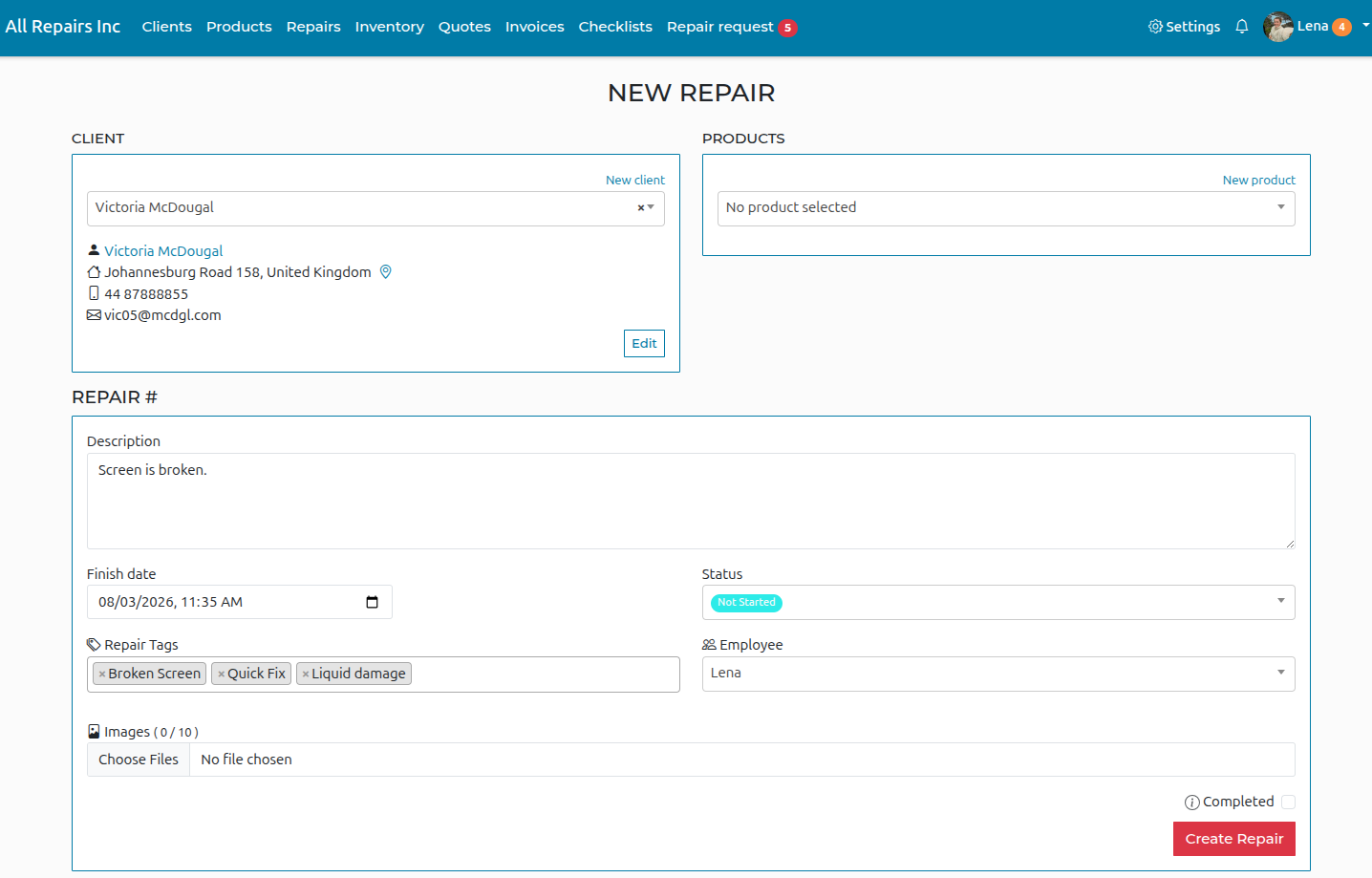
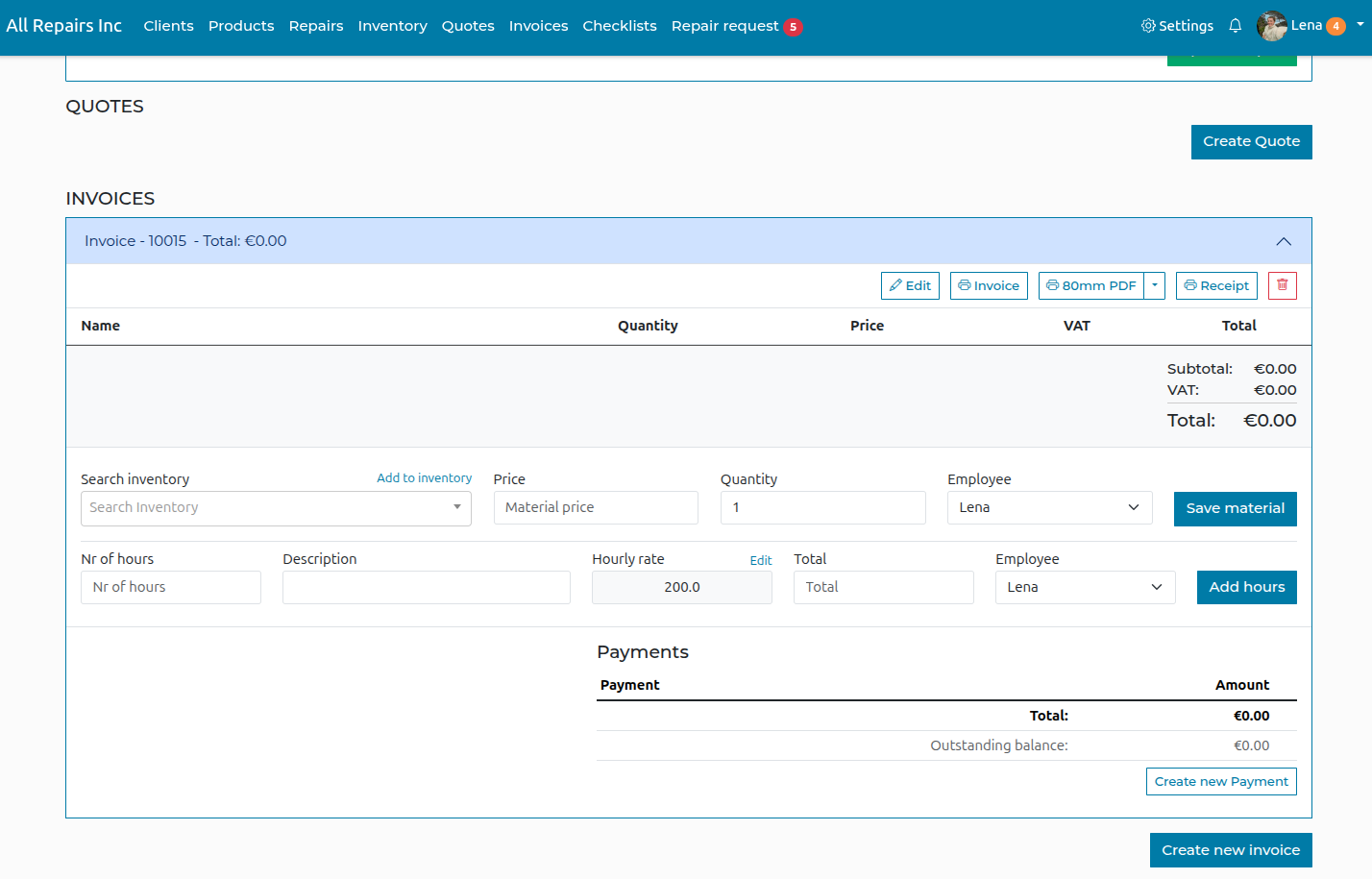
Wybierz „Nowa naprawa” i wypelnij opis problemu oraz szczegoly. Po utworzeniu naprawy mozesz dodac dalsze informacje, takie jak materialy i godziny. Kliknij „Utworz naprawe”, gdy bedziesz gotowy!
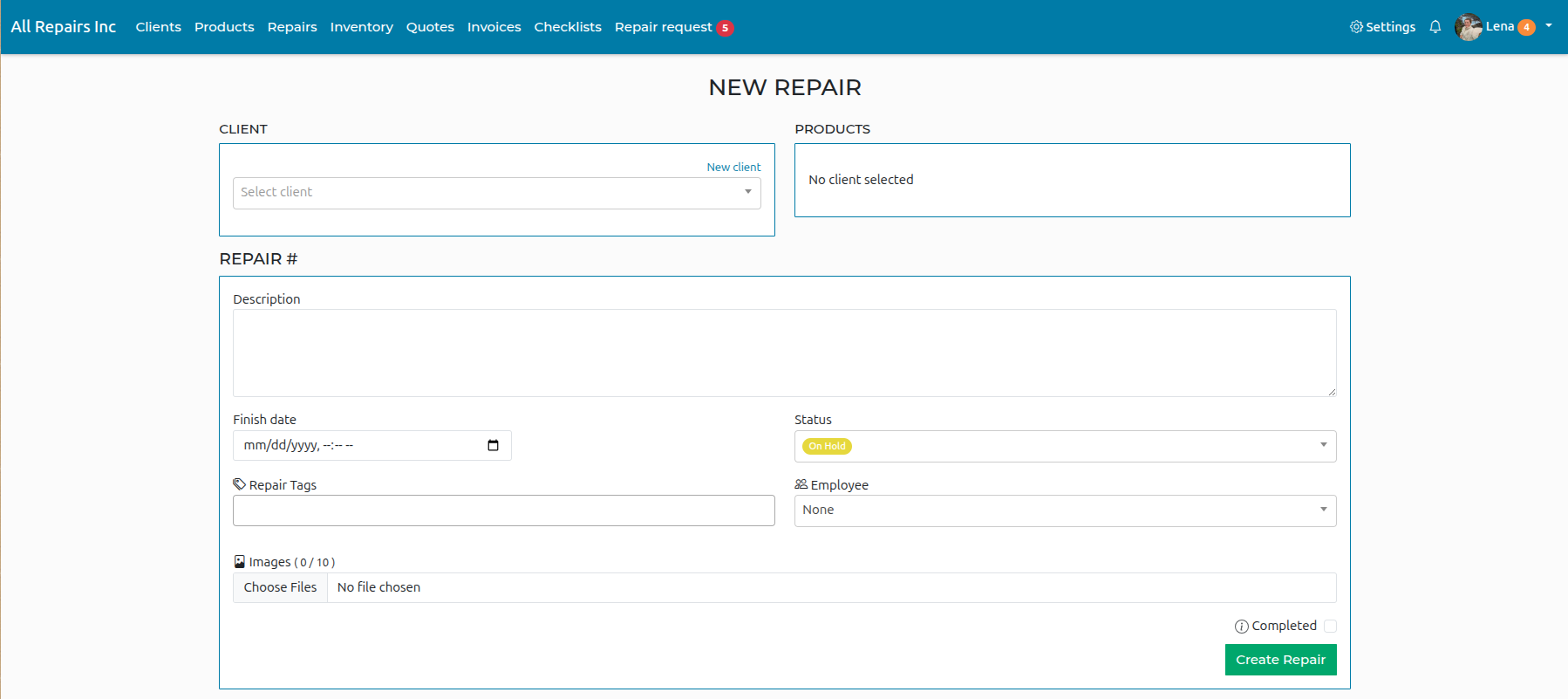
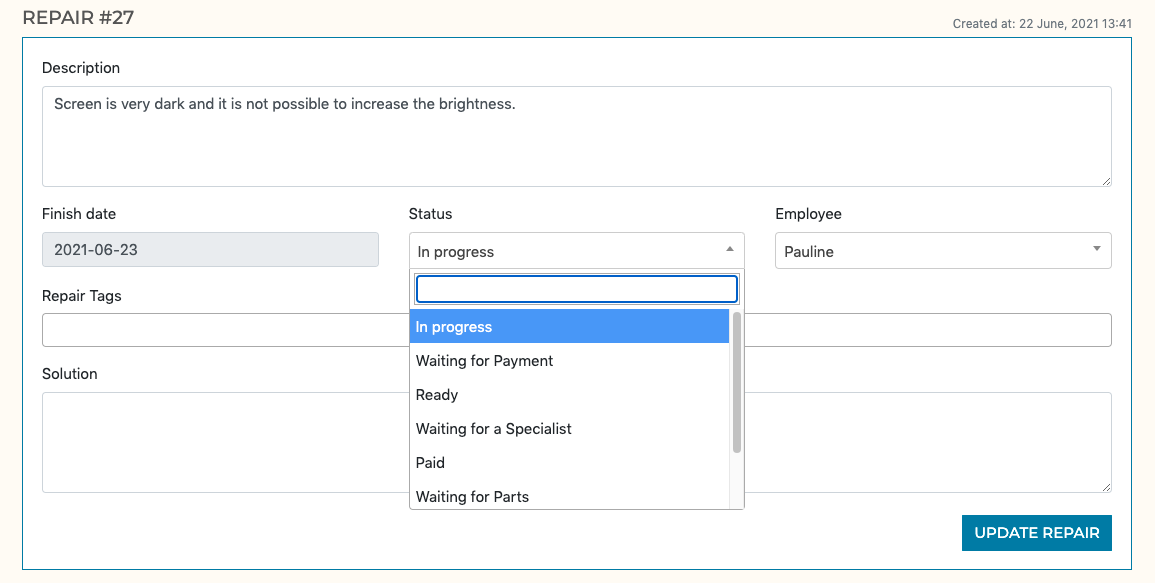
Once the repair has been created you can enter more details regarding the repair.
-
Utworz klienta
Kliknij sekcje „Klienci” w menu u gory strony, a nastepnie „Nowy klient”
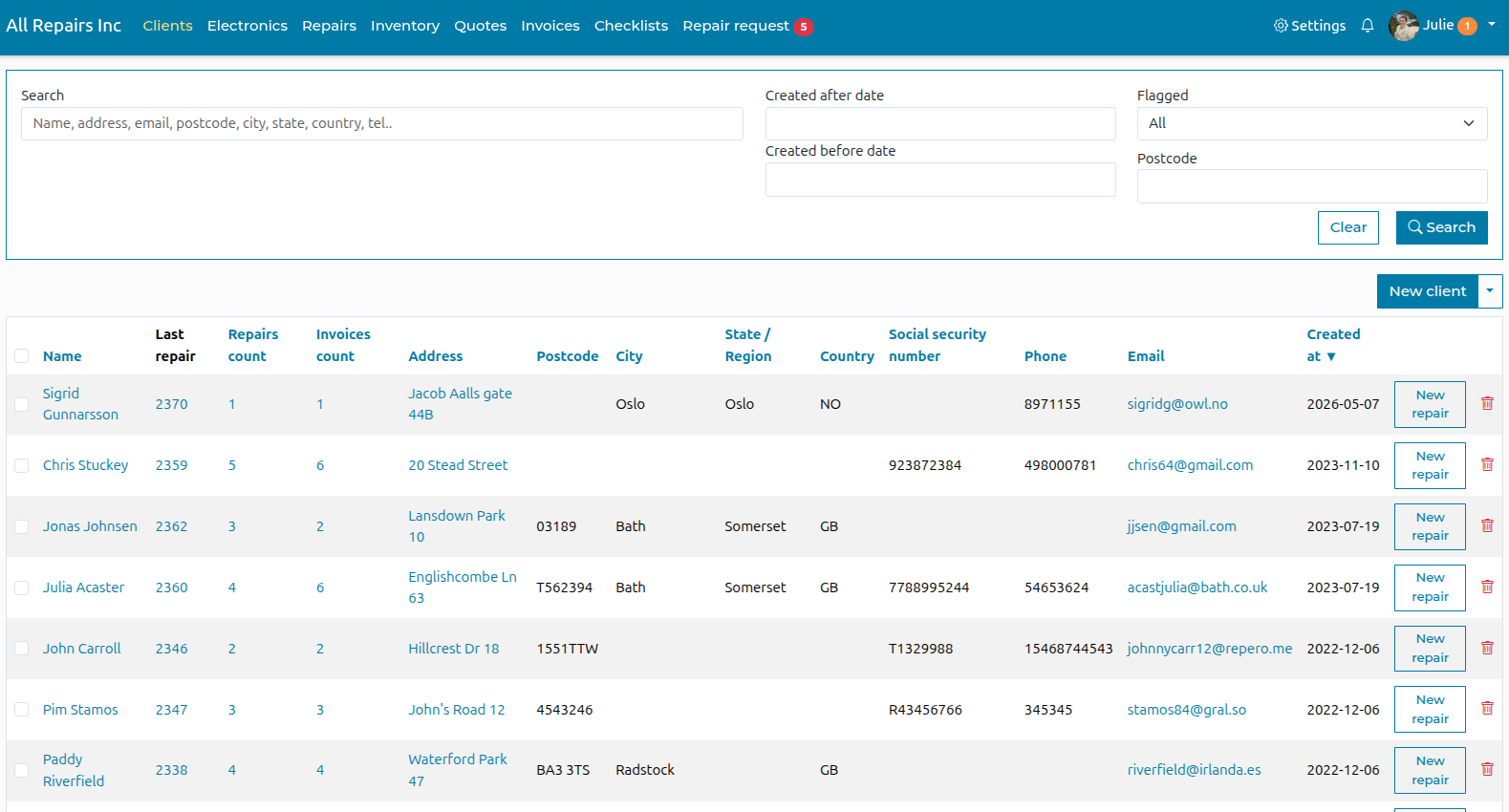
Wypelnij dane, ktore chcesz zachowac, i kliknij „Utworz klienta”
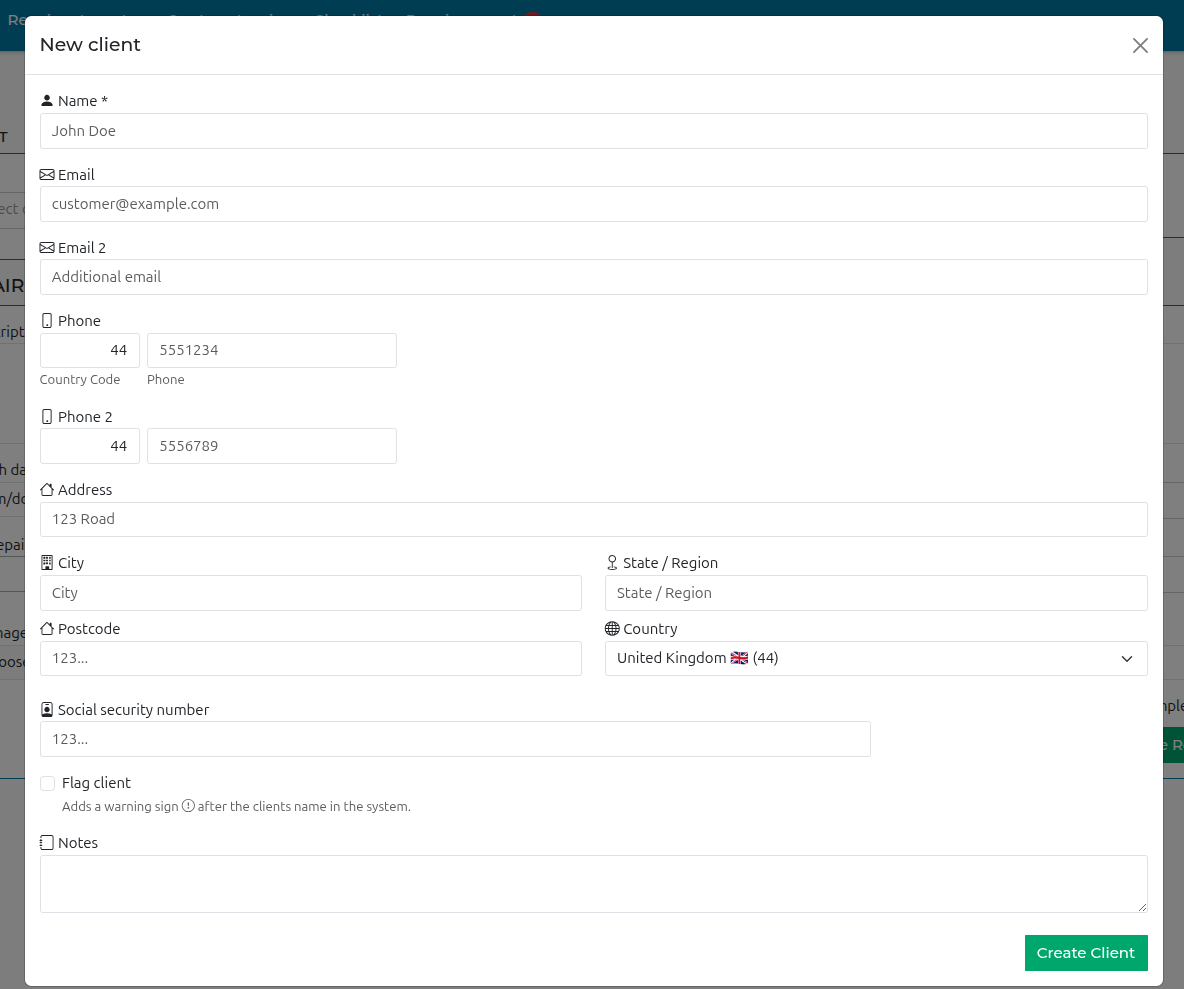
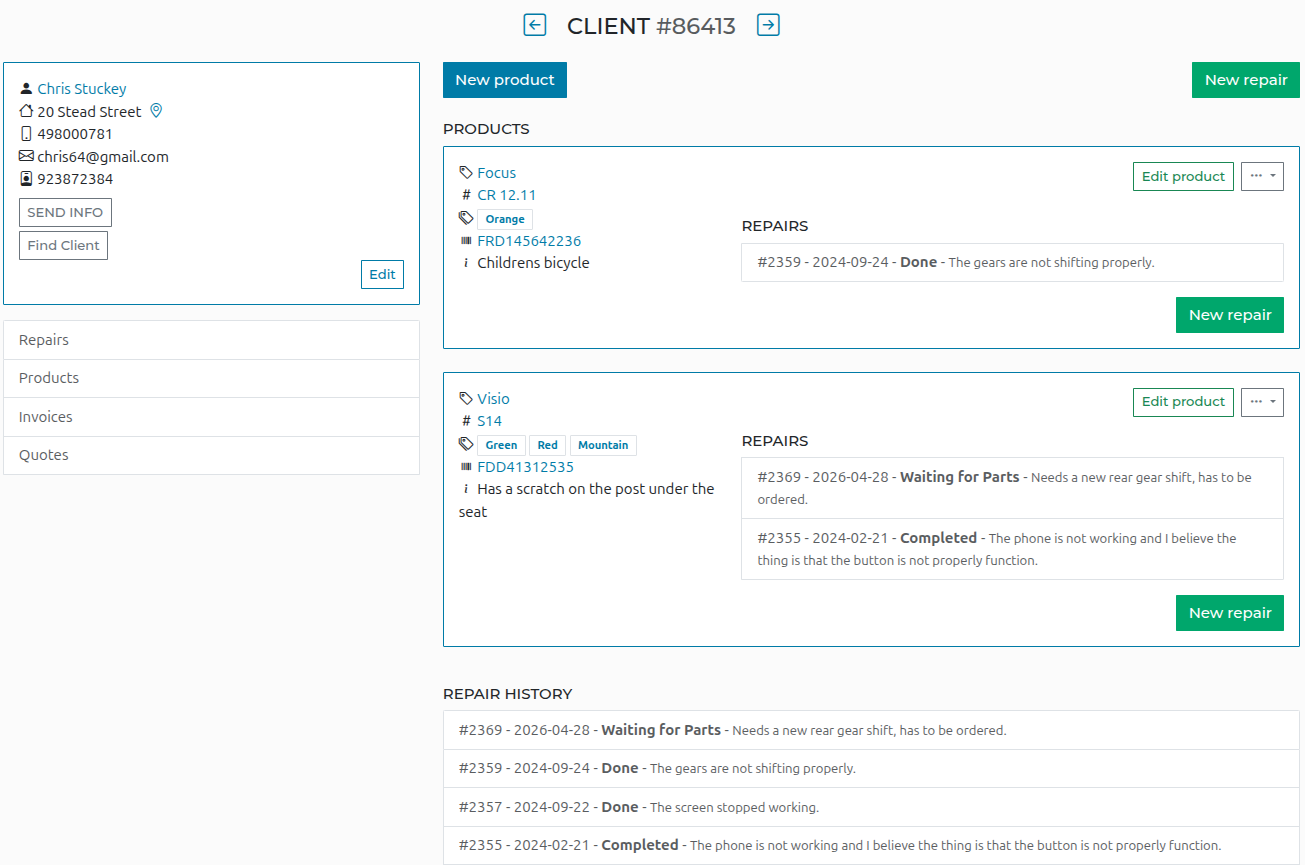
Gdy ten klient wroci, mozesz wyszukac go na swojej liscie klientow. Nastepnie utworz nowy produkt lub nowa naprawe, w zaleznosci od tego, czy ten produkt byl juz wczesniej w serwisie.
-
Utworz produkt
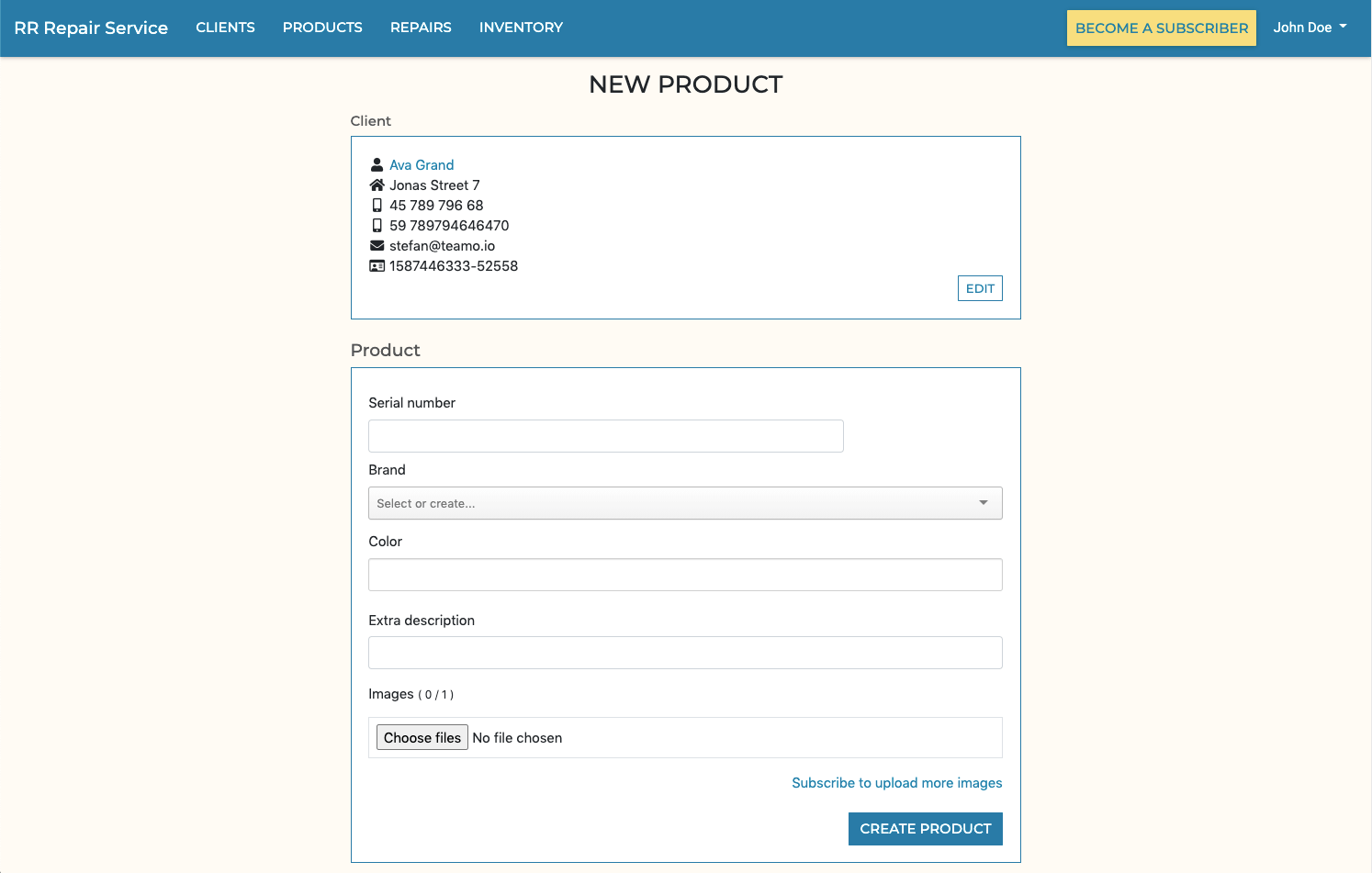
Wypelnij dane „Nowego produktu” i kliknij przycisk „Utworz”
-
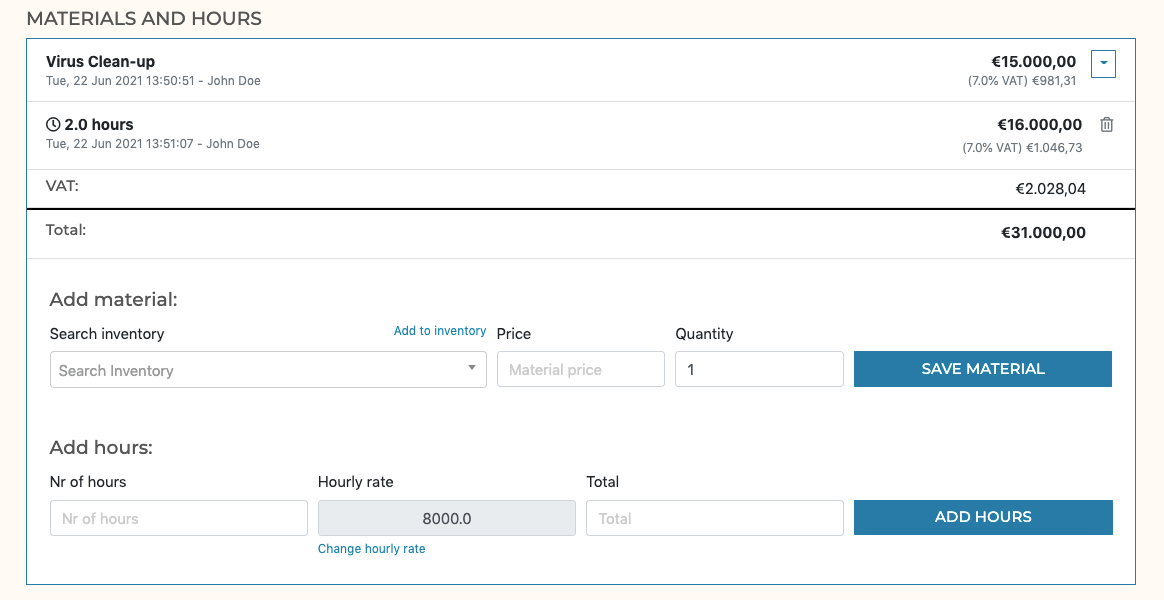
Dodaj materialy i godziny do naprawy
-
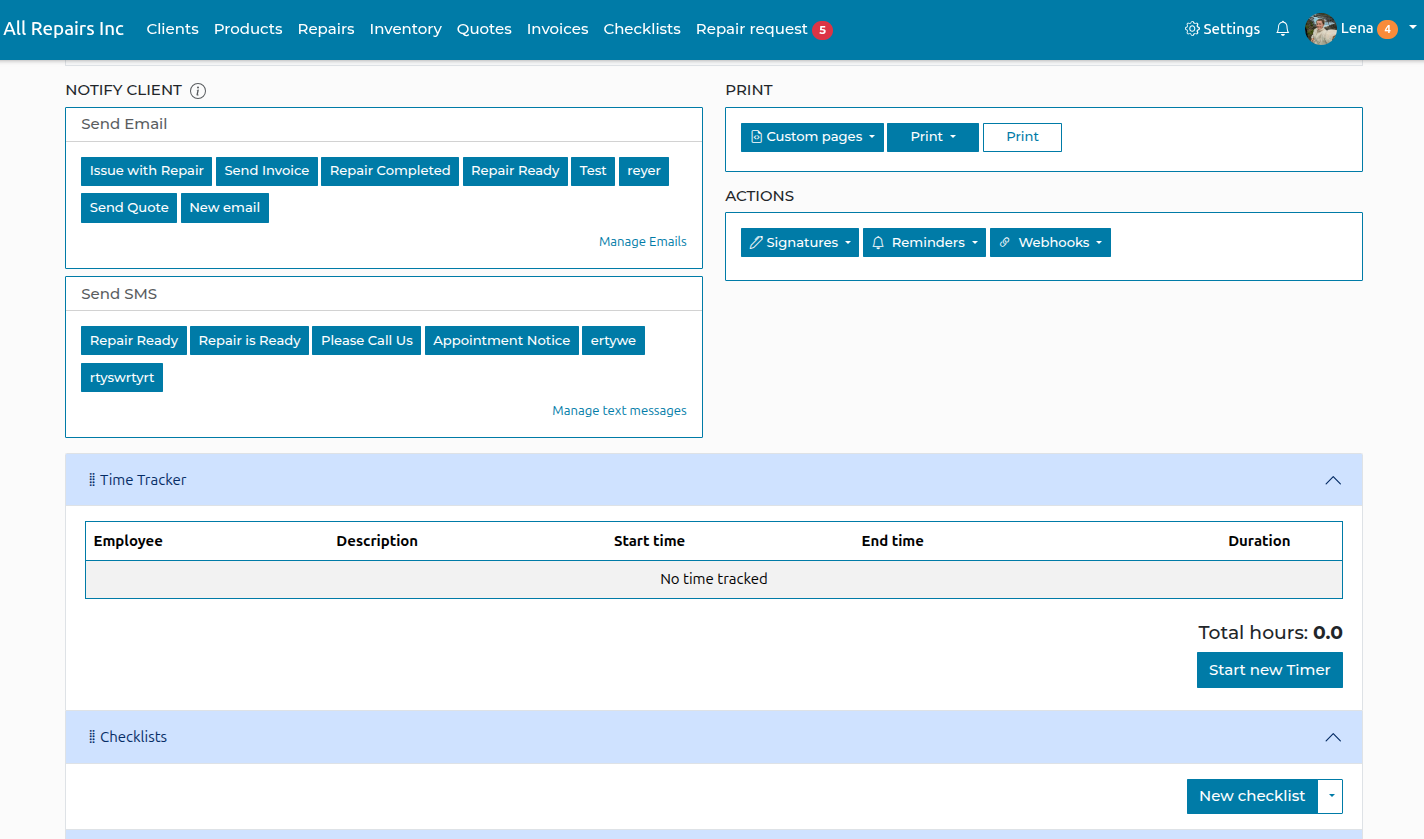
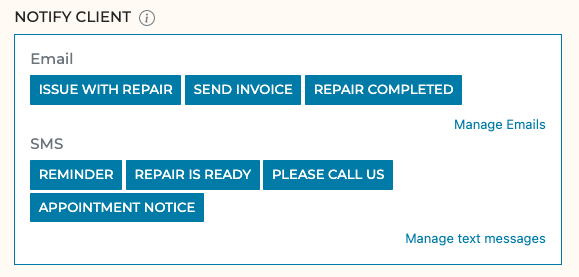
Wysylaj klientowi spersonalizowane e-maile i SMS-y
Tworz spersonalizowane SMS-y i e-maile za pomoca zmiennych, aby wysylac istotne informacje, takie jak koszt, status i daty, bez recznego wpisywania wszystkiego, i to jednym kliknieciem.
-
Szczegoly naprawy
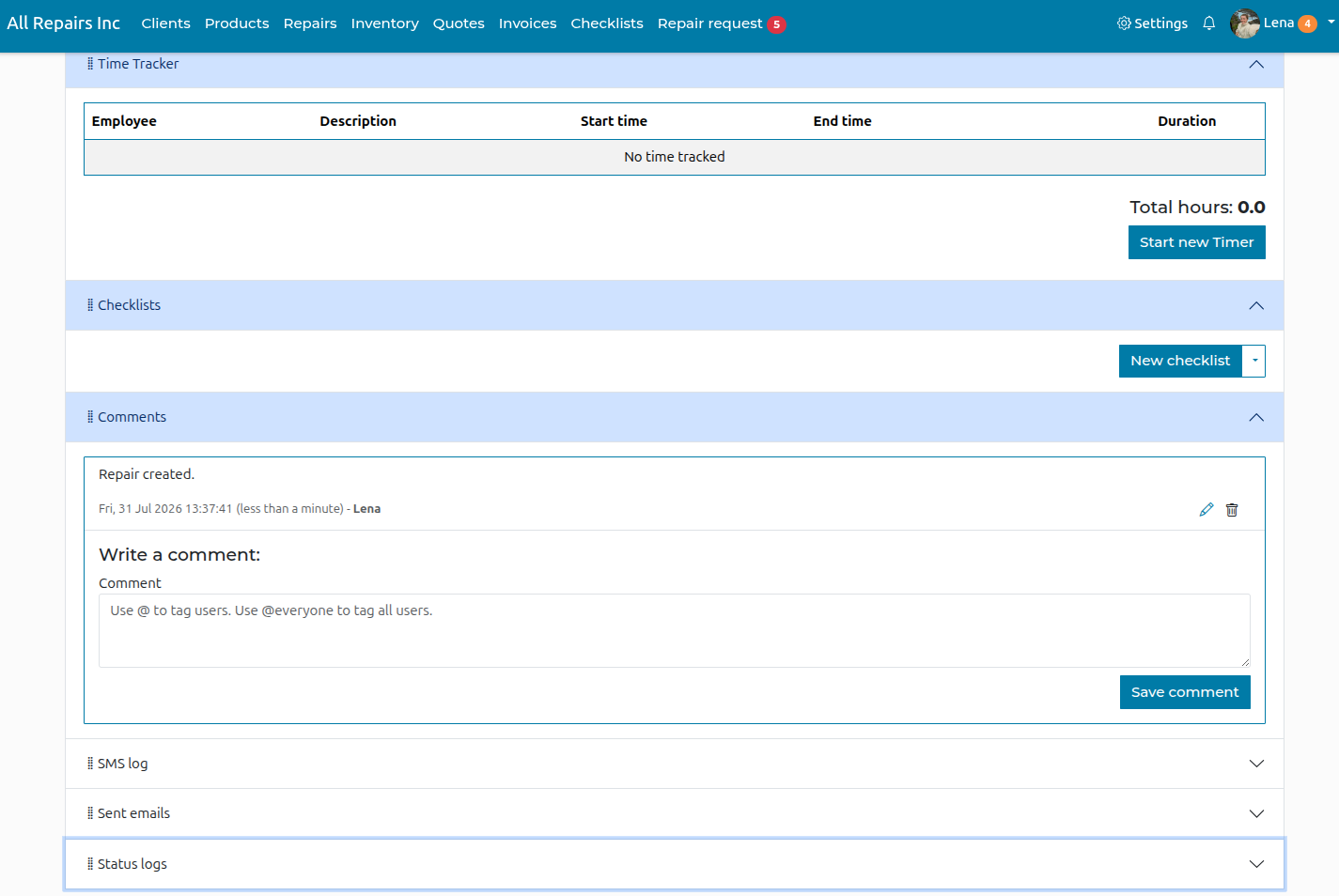
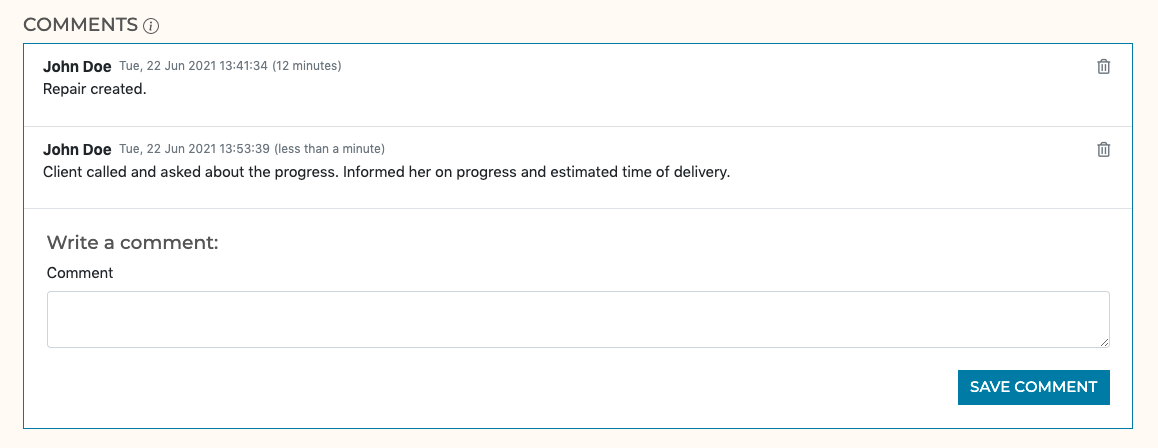
Mozesz dodawac komentarze, na przyklad gdy klient dzwoni z prosba o wykonanie dodatkowych prac
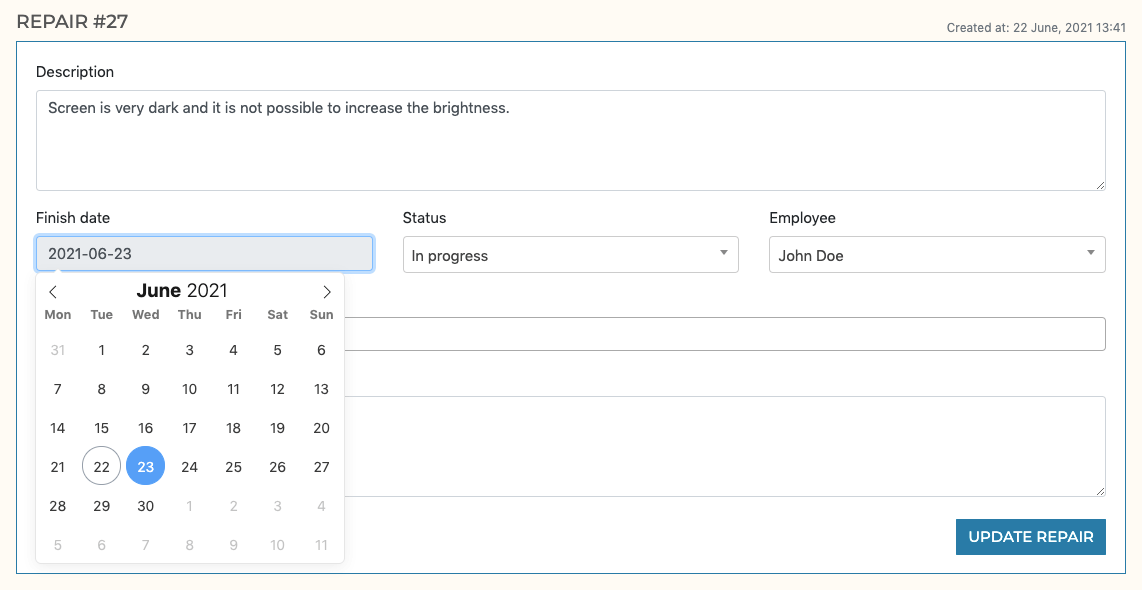
Ustaw szacowana date gotowosci produktu
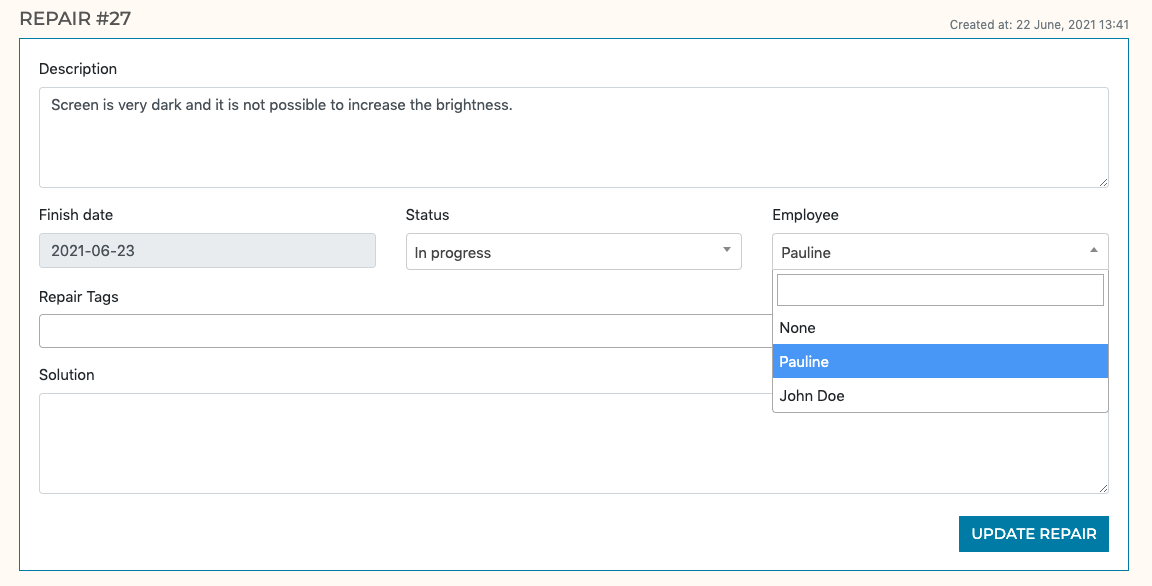
Przypisz pracownika
Nadaj naprawie status
-
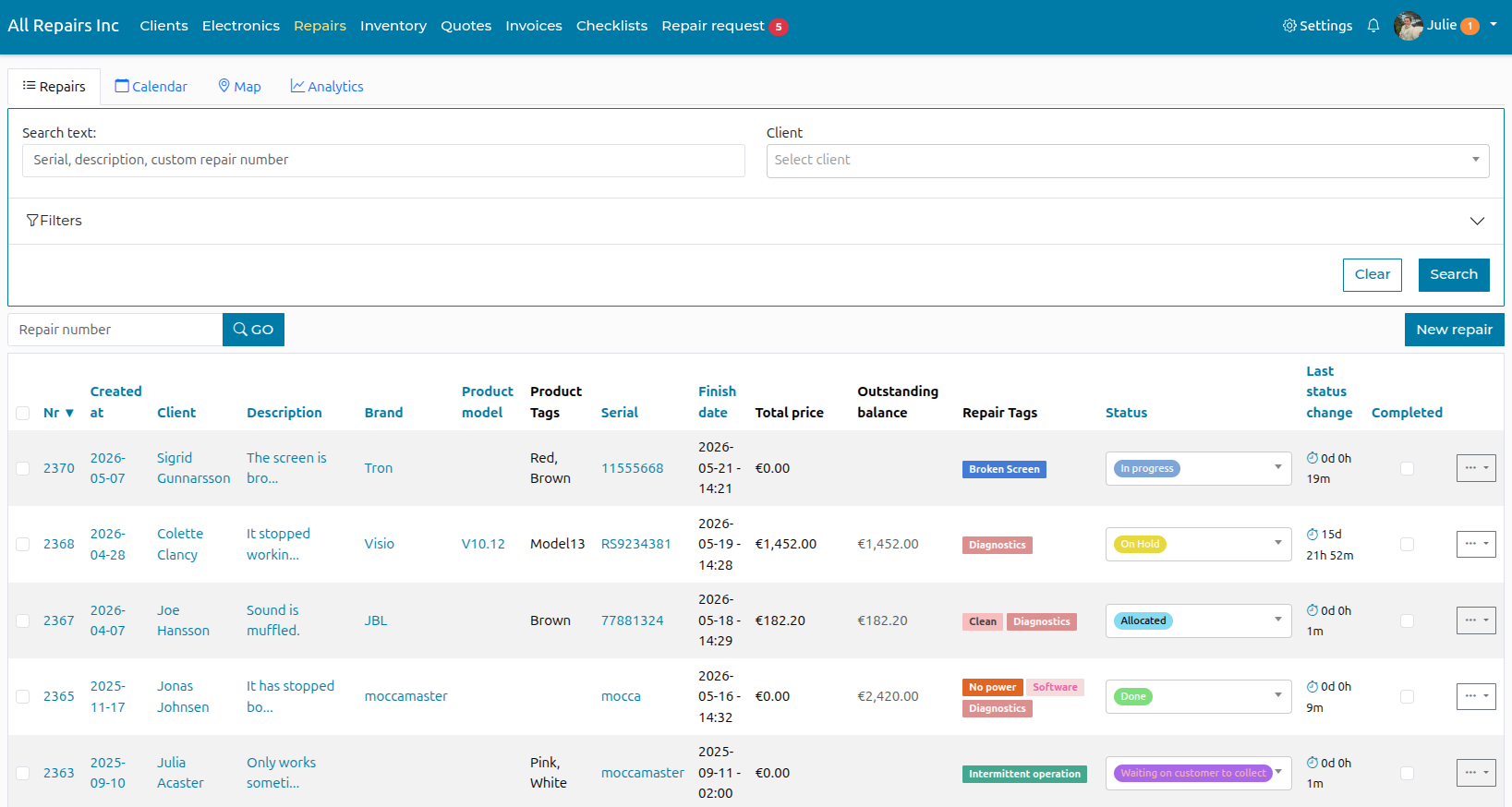
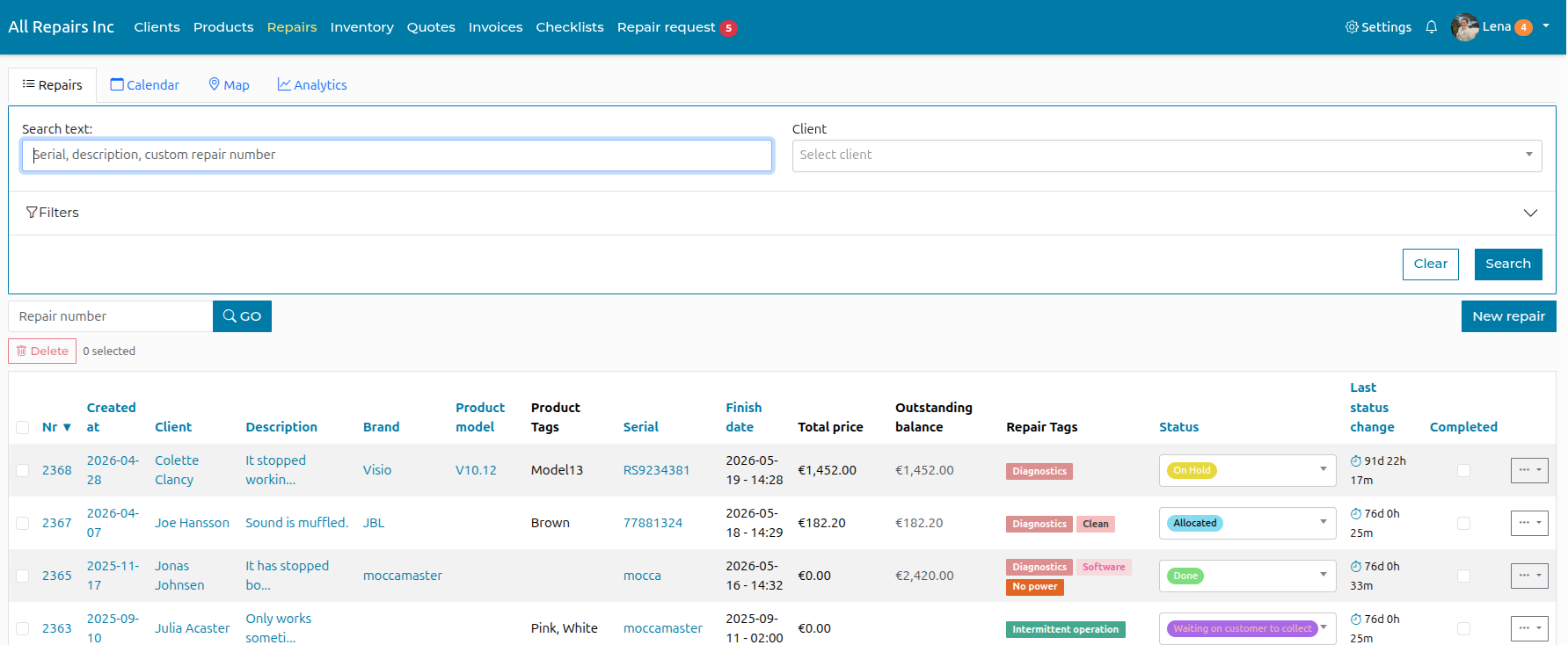
Repair Overview
Here you can see all repairs in the system, you can filter by status, employee, date created and more.