-
Luo korjaus
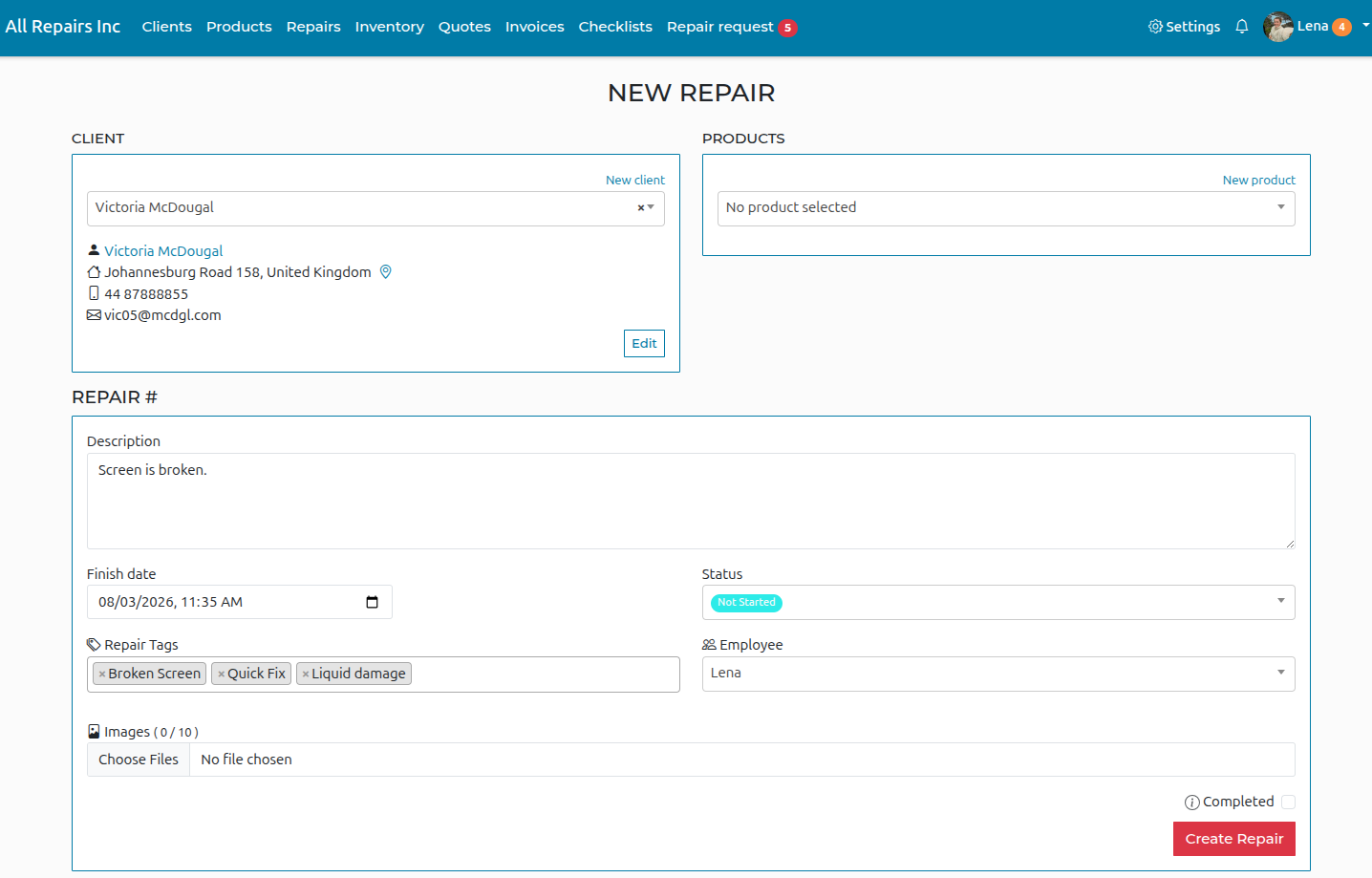
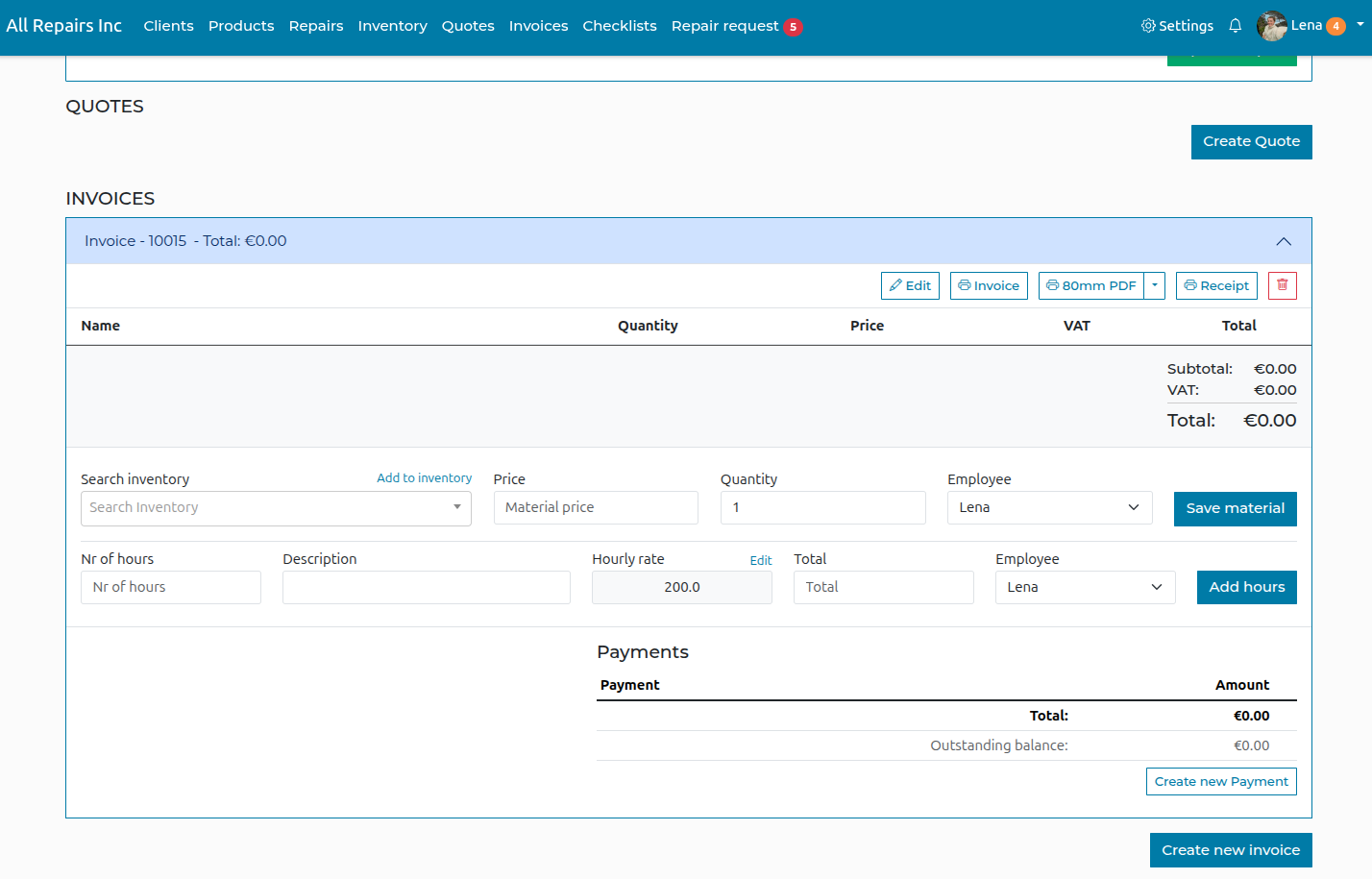
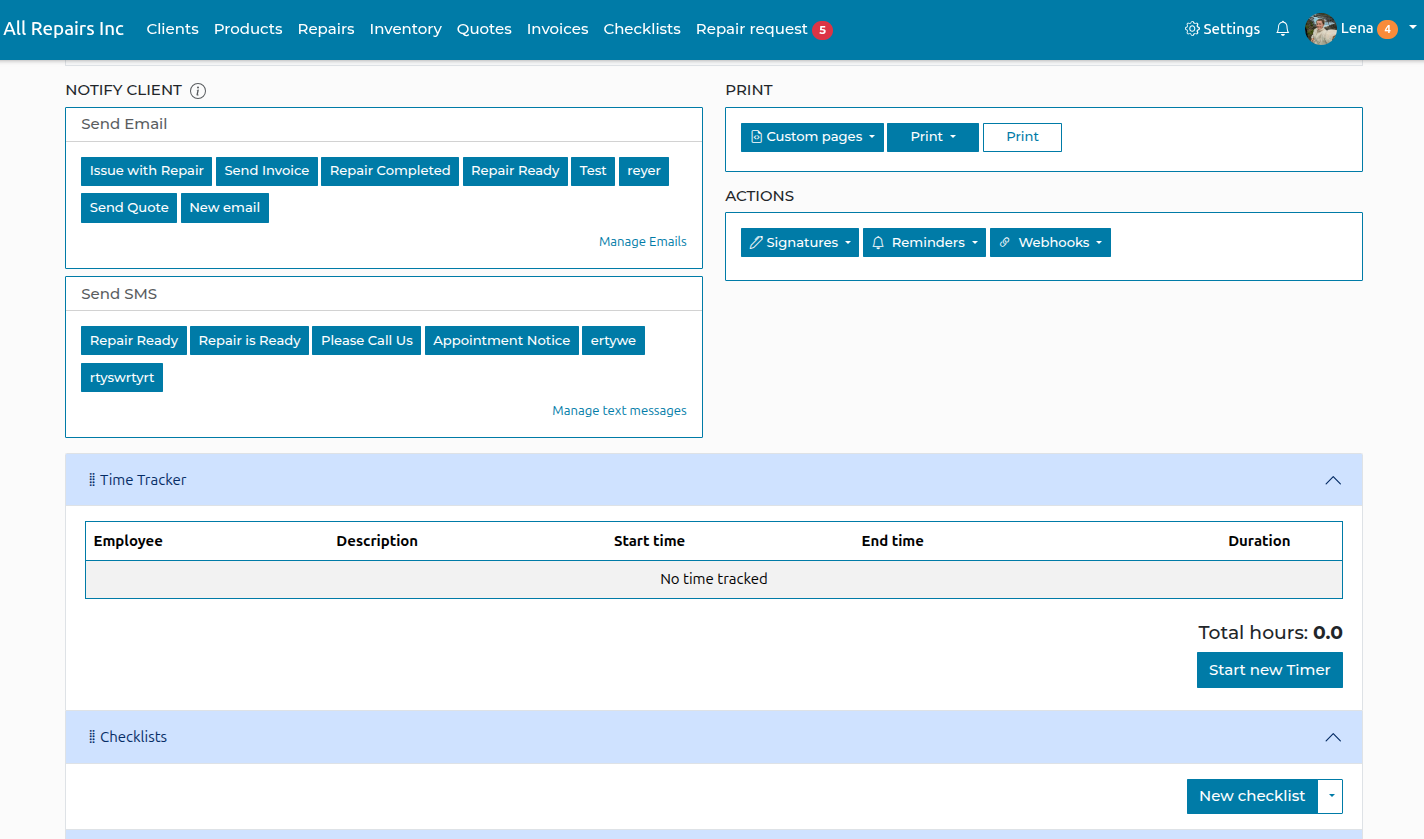
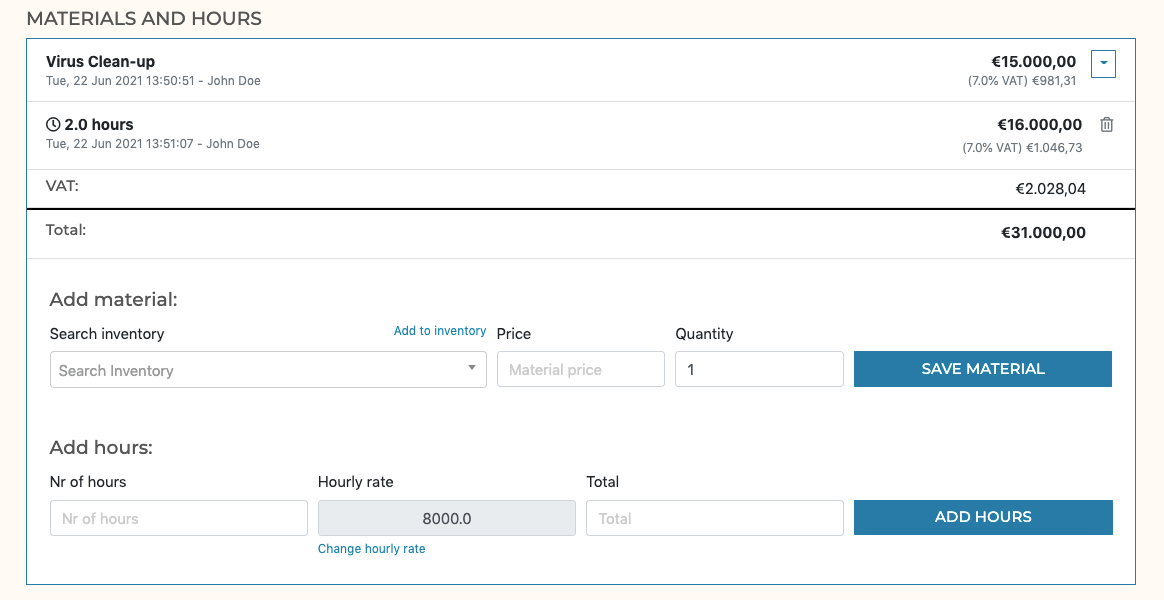
Valitse 'Uusi korjaus' ja täytä ongelman kuvaus ja tiedot. Kun olet luonut korjauksen, voit lisätä lisätietoja, kuten materiaaleja ja tunteja. Napsauta 'Luo korjaus', kun olet valmis!
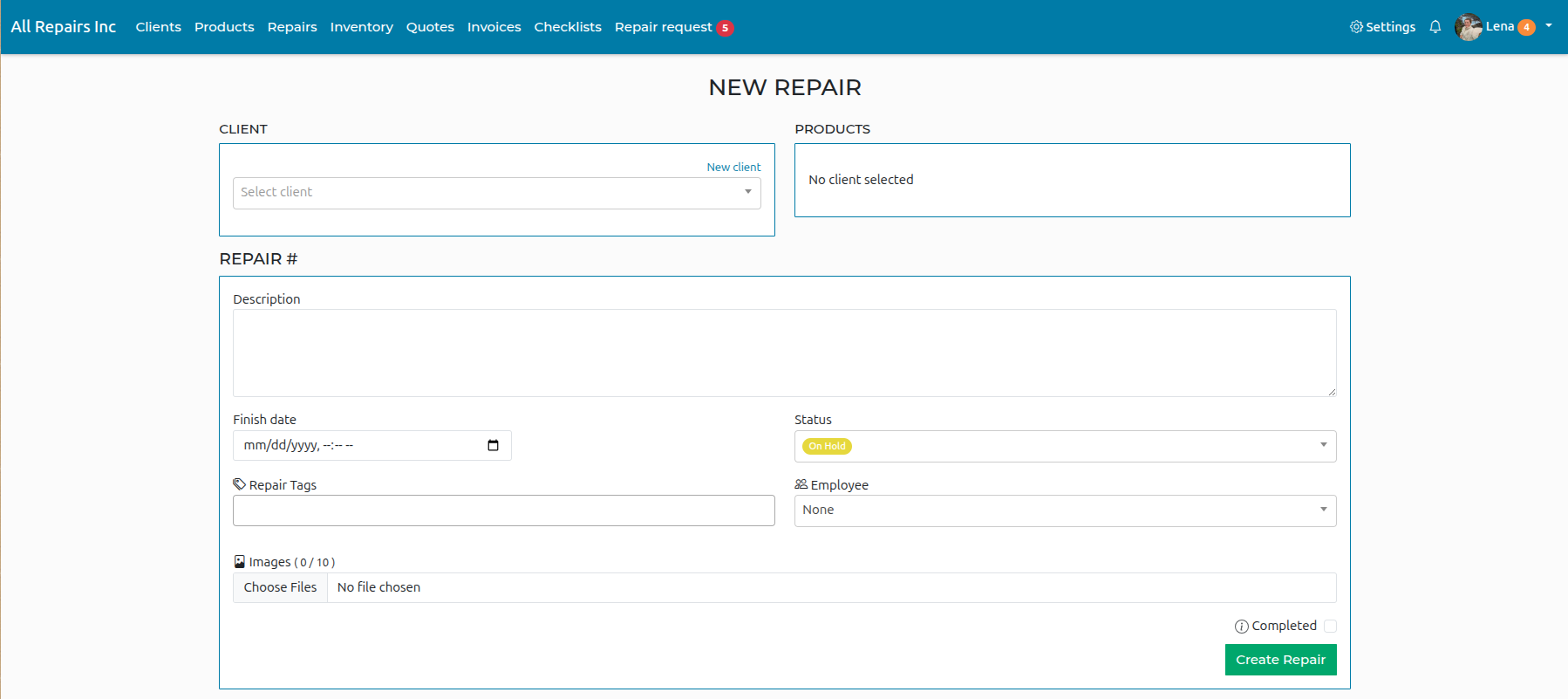
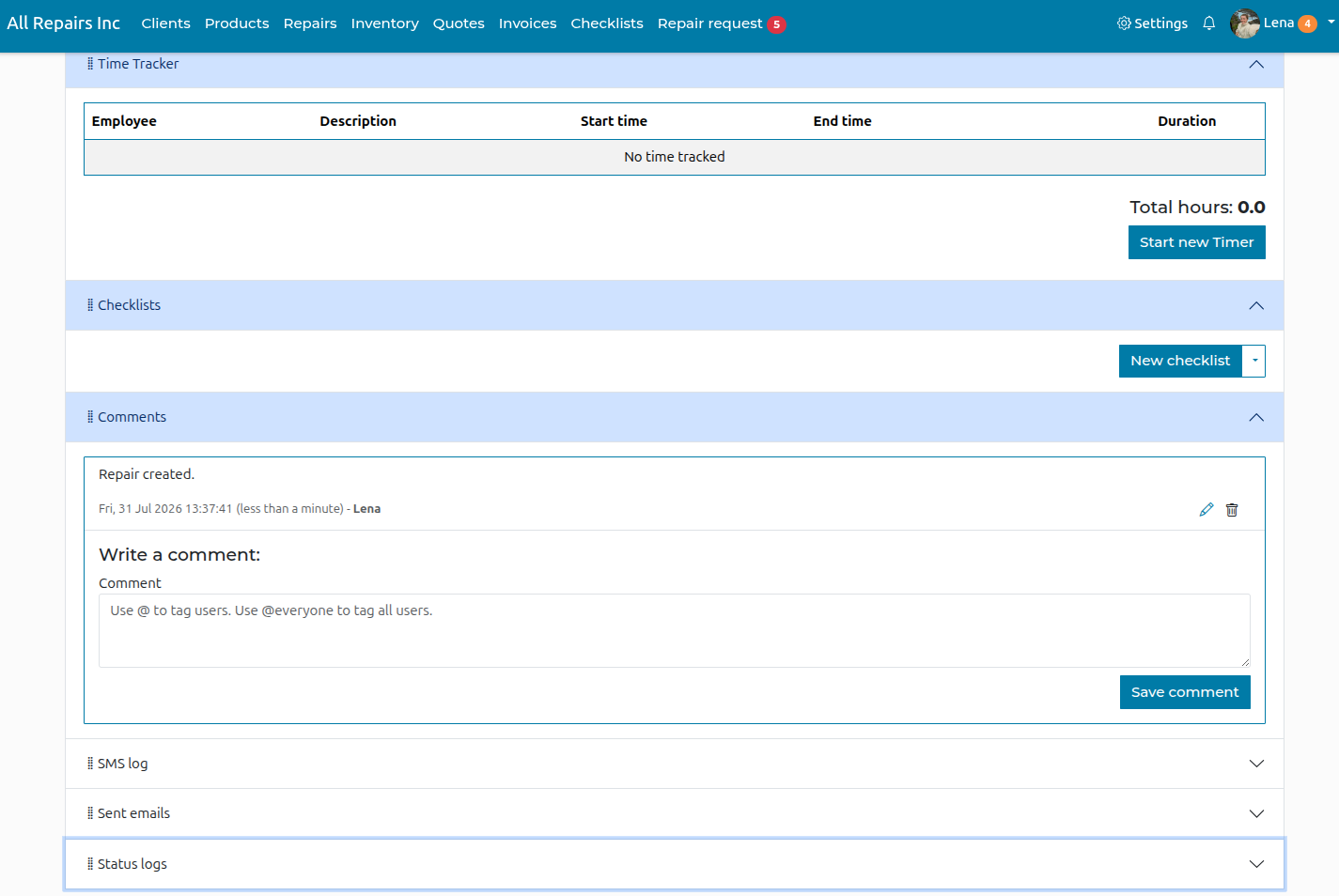
Once the repair has been created you can enter more details regarding the repair.
-
Luo asiakas
Klikkaa sivun yläreunassa olevasta valikosta 'Asiakkaat'-osiota ja sitten 'Uusi asiakas'.
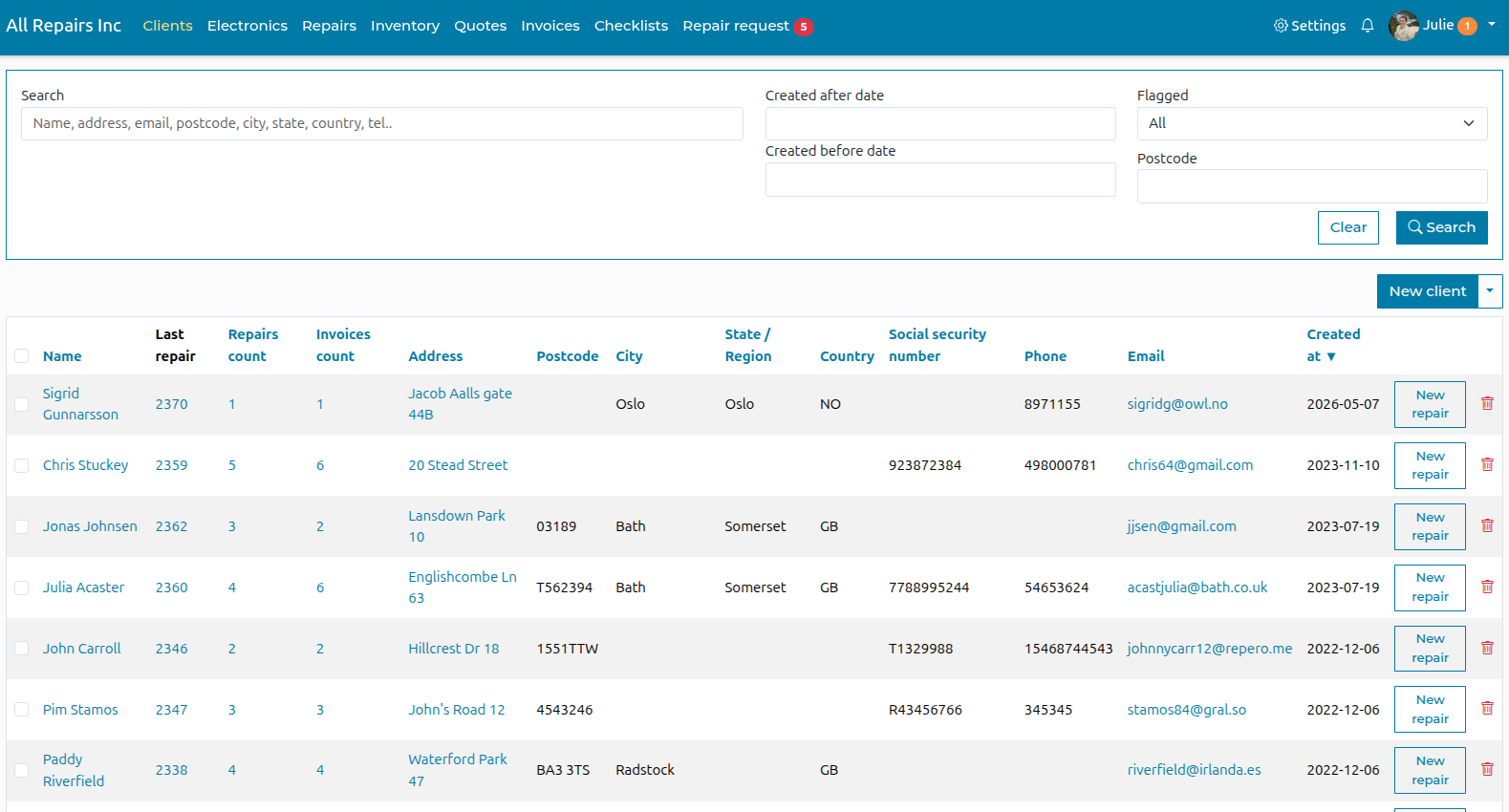
Täytä säilytettävät tiedot ja napsauta "Luo asiakas"
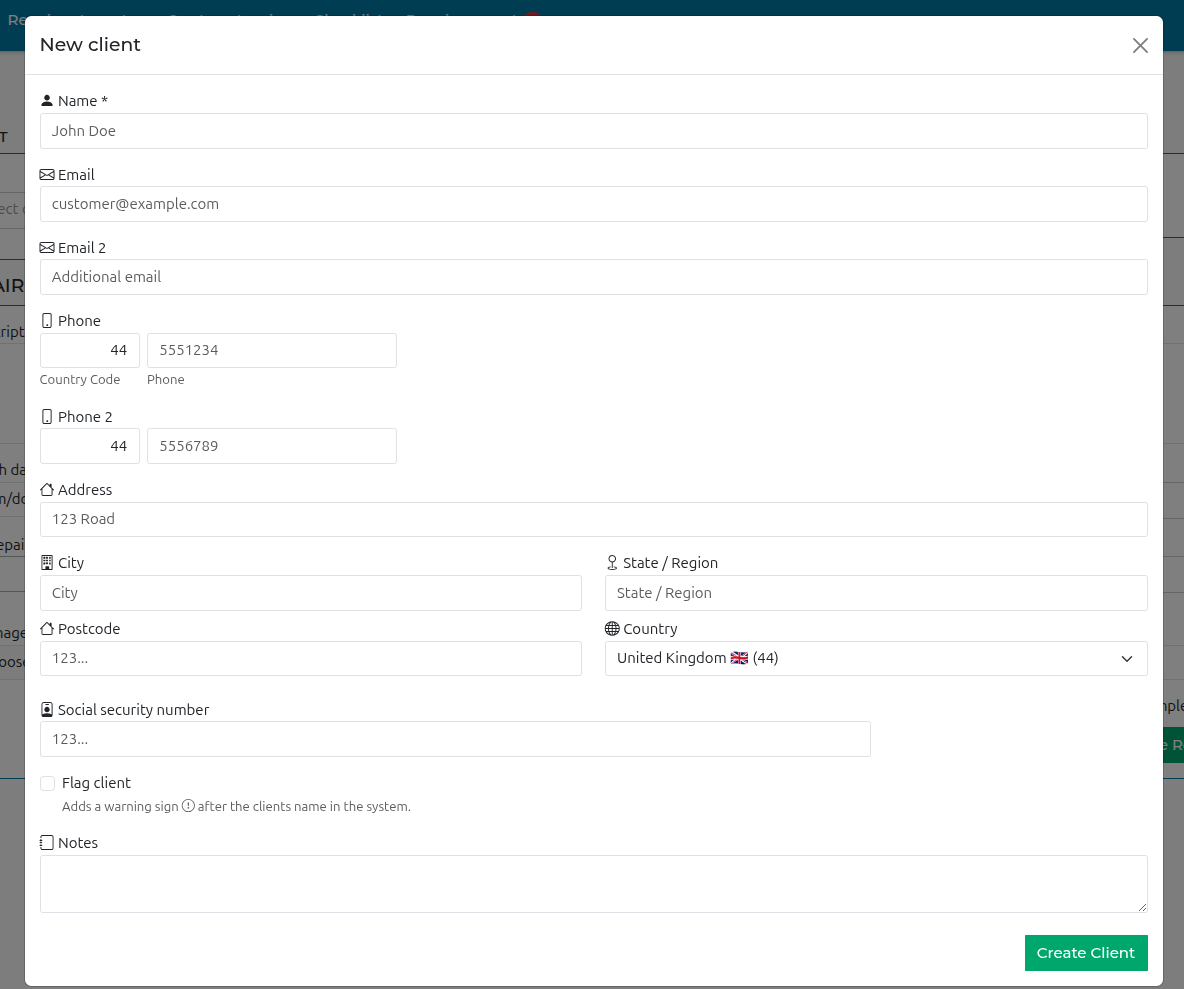
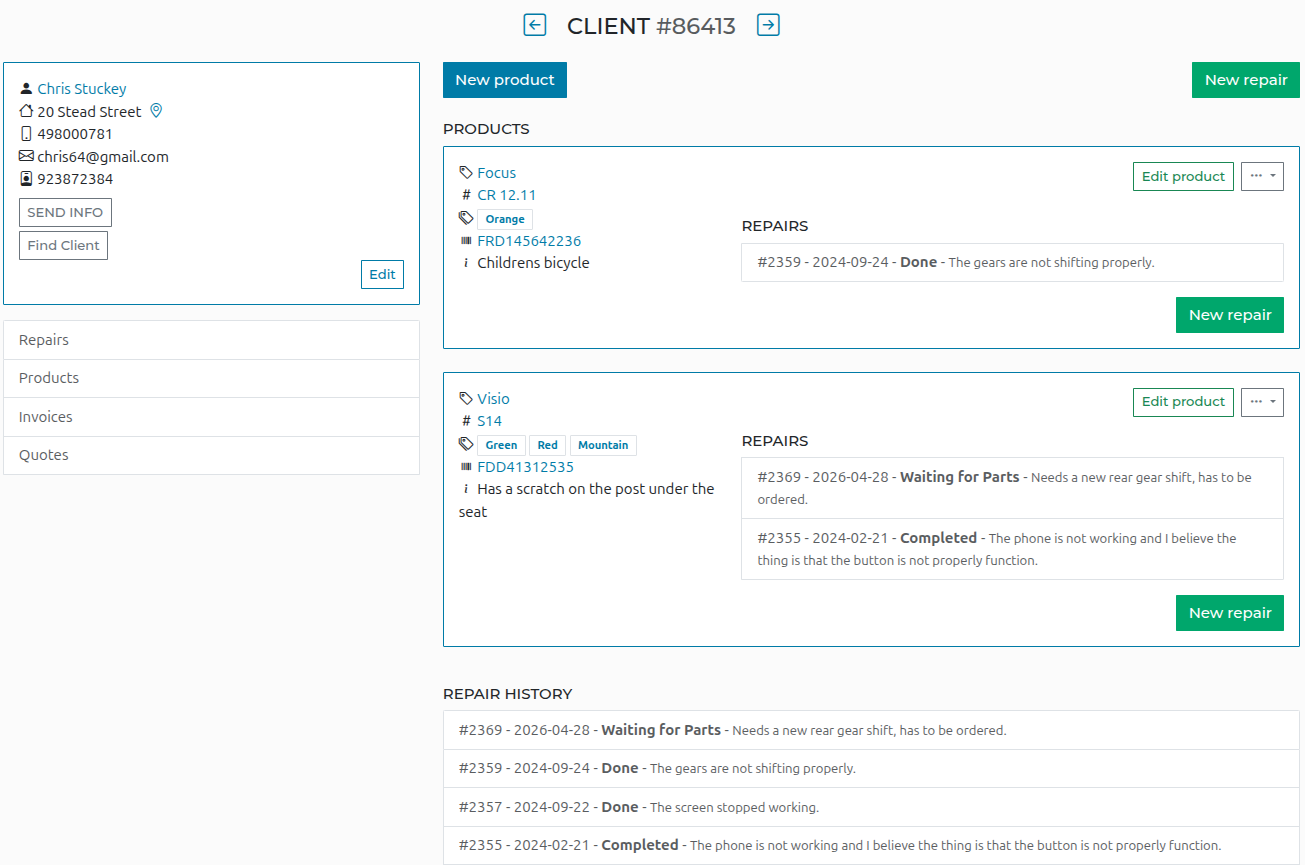
Kun tämä asiakas palaa, voit etsiä hänet asiakasluettelostasi. Luo sitten uusi tuote tai uusi korjaus riippuen siitä, onko hän tuonut tämän tuotteen aiemmin.
-
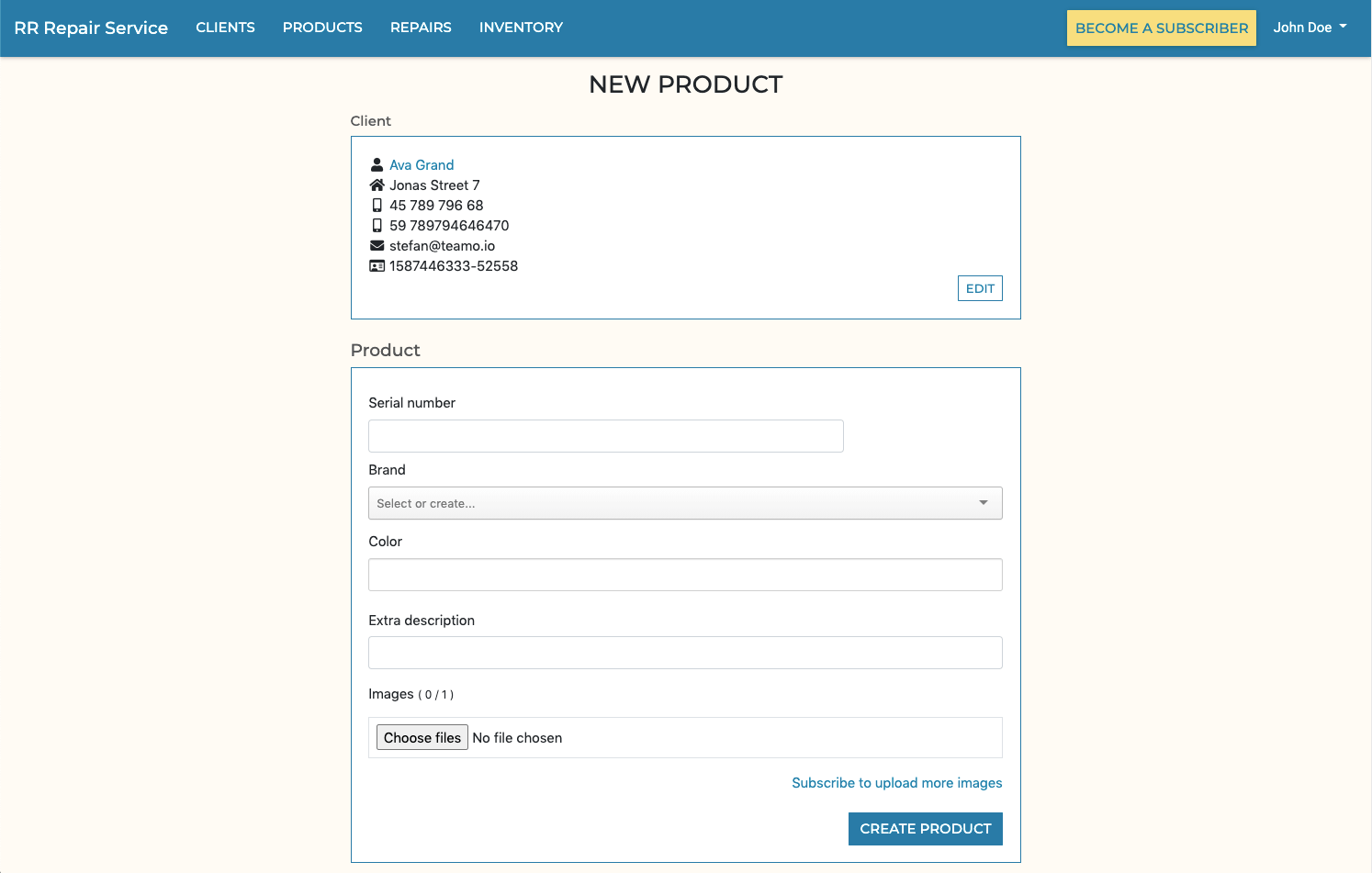
Luo tuote
Täytä "Uusi tuote" -tiedot ja napsauta "Luo"-painiketta.
-
Lisää materiaaleja ja tunteja korjaukseen
-
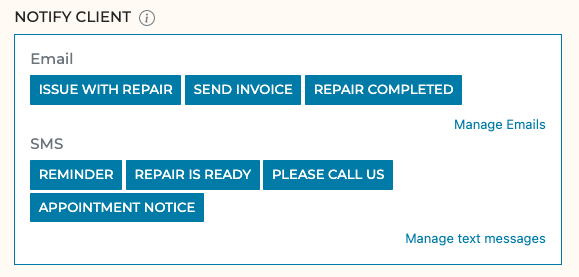
Lähetä asiakkaalle räätälöityjä sähköposteja ja tekstiviestejä
Luo mukautettuja tekstiviestejä ja sähköposteja muuttujien avulla, jotta voit lähettää olennaisia tietoja, kuten kustannukset, tilan ja päivämäärät, ilman, että sinun tarvitsee syöttää mitään manuaalisesti yhdellä napsautuksella.
-
Korjauksen tiedot
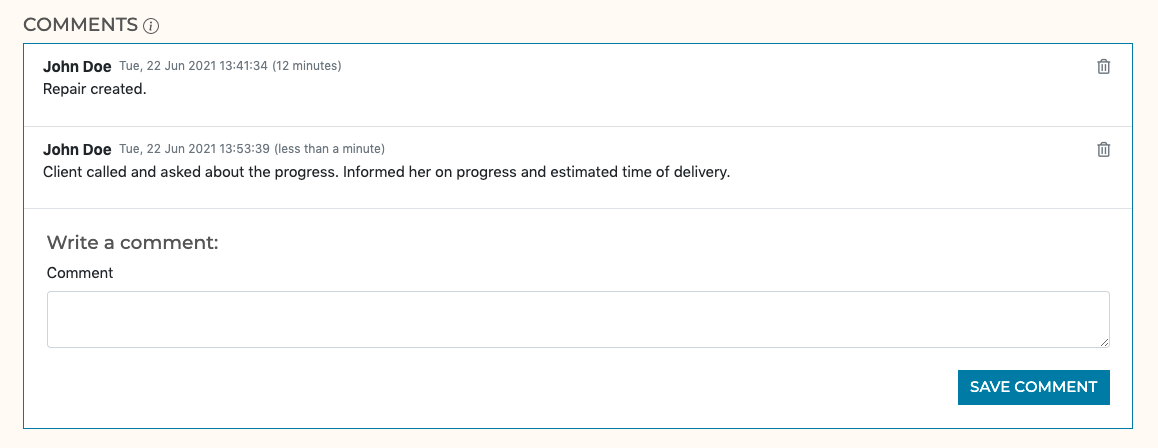
Voit lisätä kommentteja esimerkiksi silloin, jos asiakas soittaa ja pyytää lisätehtävää.
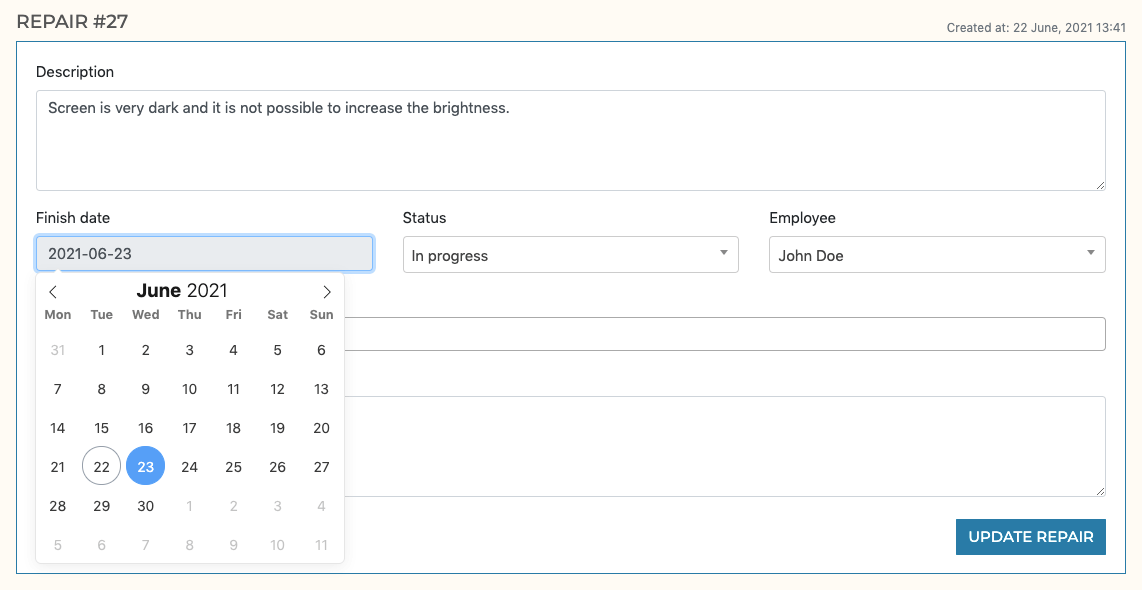
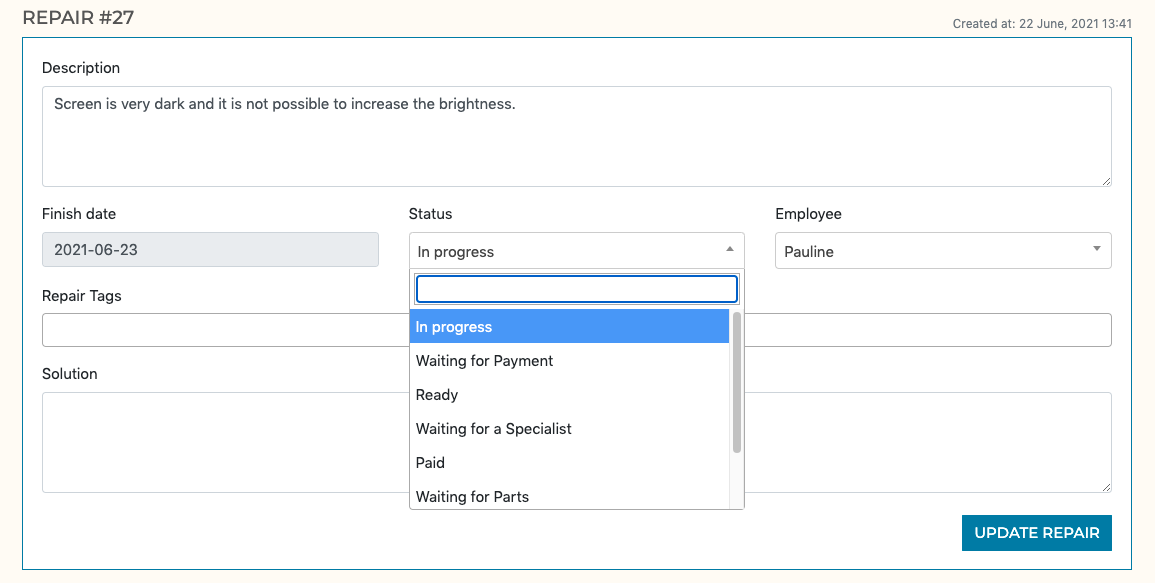
Aseta arvioitu päivämäärä, jolloin tuote on valmis
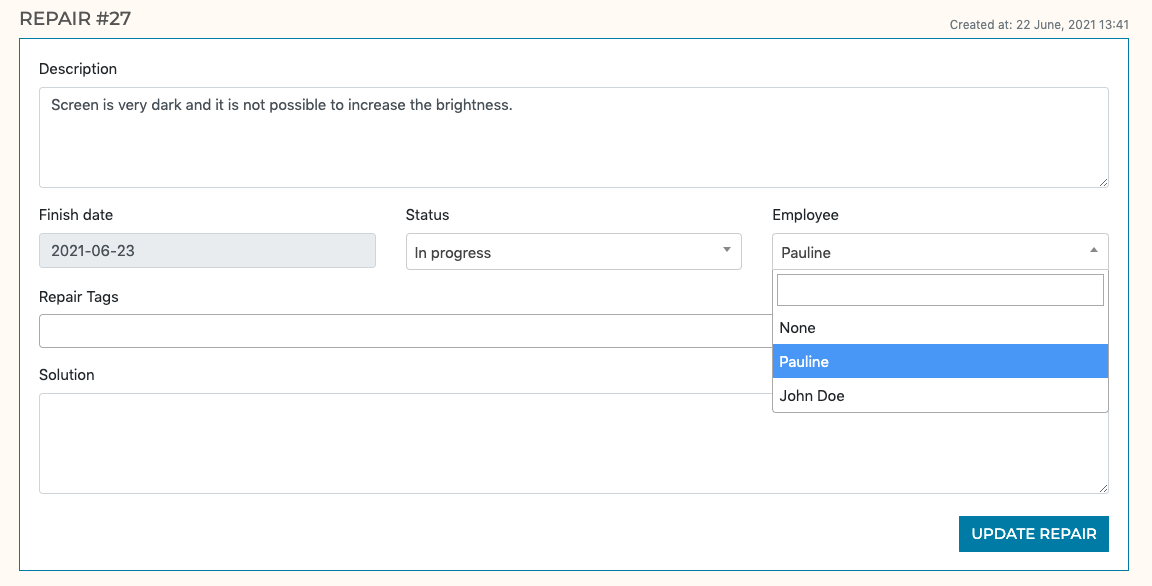
Määritä henkilöstön jäsenelle
Anna korjaukselle tila
-
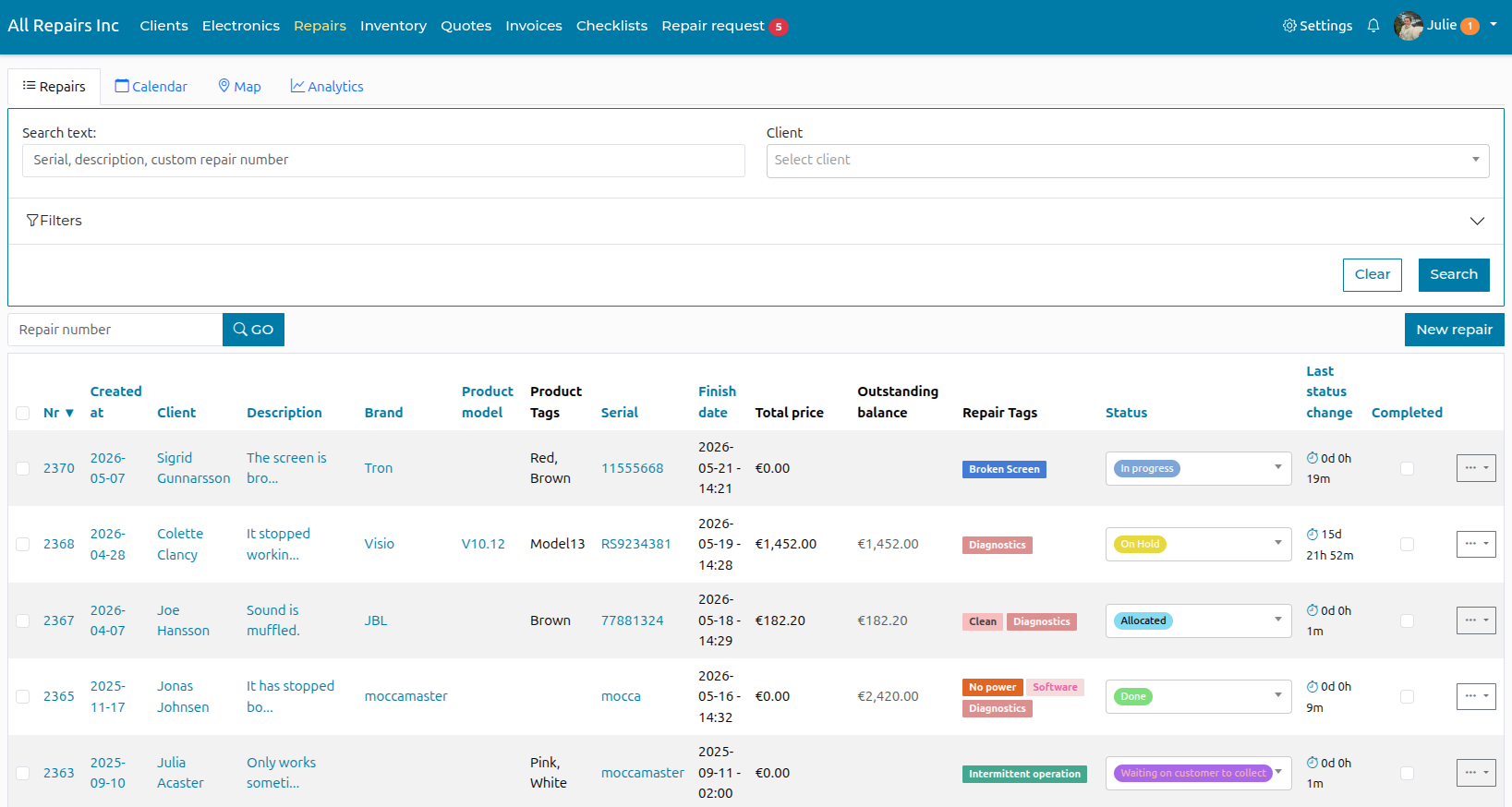
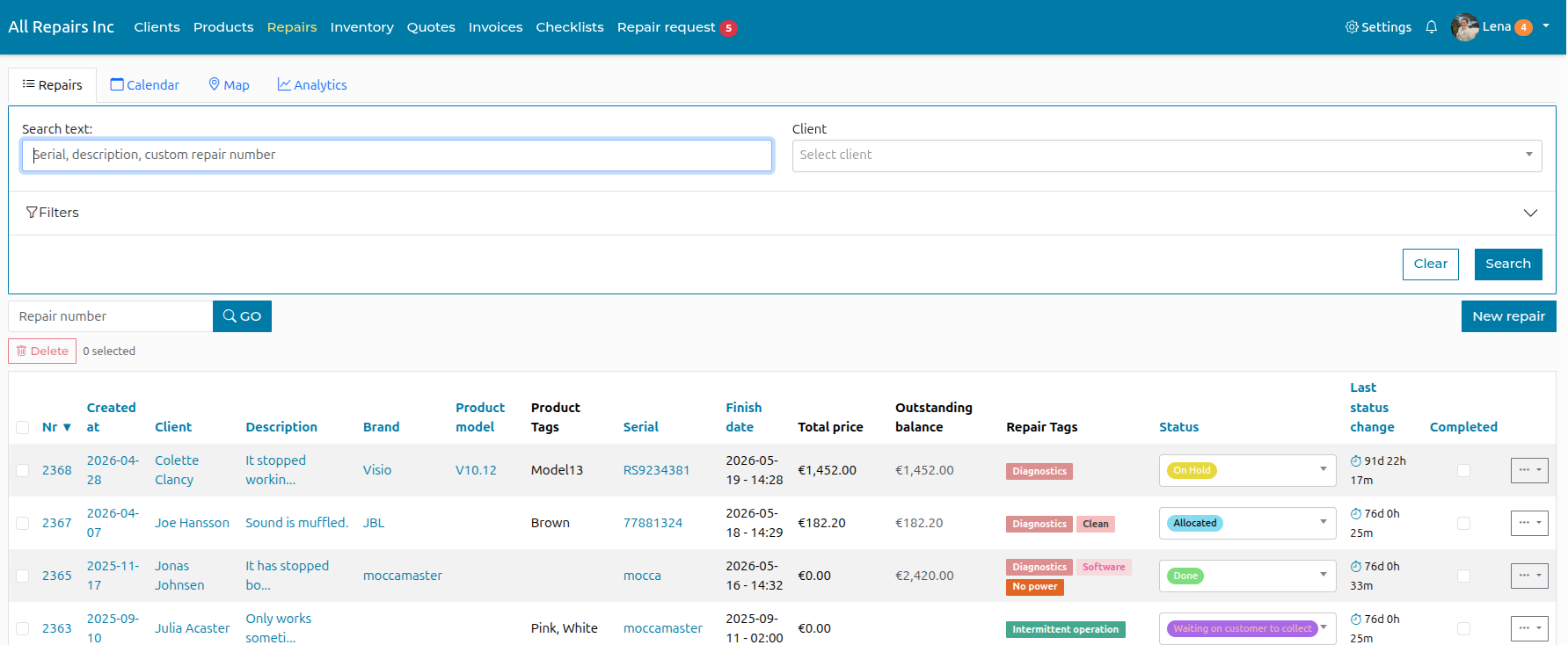
Repair Overview
Here you can see all repairs in the system, you can filter by status, employee, date created and more.